Cross a line and both pop
Pixel Links has one rule: connect every pair of dots without crossing. What happens when you try to cross anyway took three rounds of playtesting to get right. The answer: both lines pop.
Pop, not block
A crossing could simply be blocked, leaving your finger pushing against a wall you cannot see. In Pixel Links, if your line touches another pair's line or dot, both lines pop — yours and theirs — and the drag ends. Touch a crate and only your own line pops.
It sounds harsh. In play it is the opposite: the board answers you clearly, there is nothing half-drawn left behind, and one Undo (you get three per try) brings back every line that gesture popped.
Only where your finger is
A line can only pop on a square your finger is on, never on a guess. If a fast move skips squares, the game fills them in without popping anything: it steps around another line, dot or crate where it can, and where it can't, it holds your line where it is — you never touched anything, so nothing pops. Drag your line onto another line and both pop; flick past one fast enough and your line steps around it or waits. Pressing near a dot rather than right on it still picks it up.
Only finished lines stay
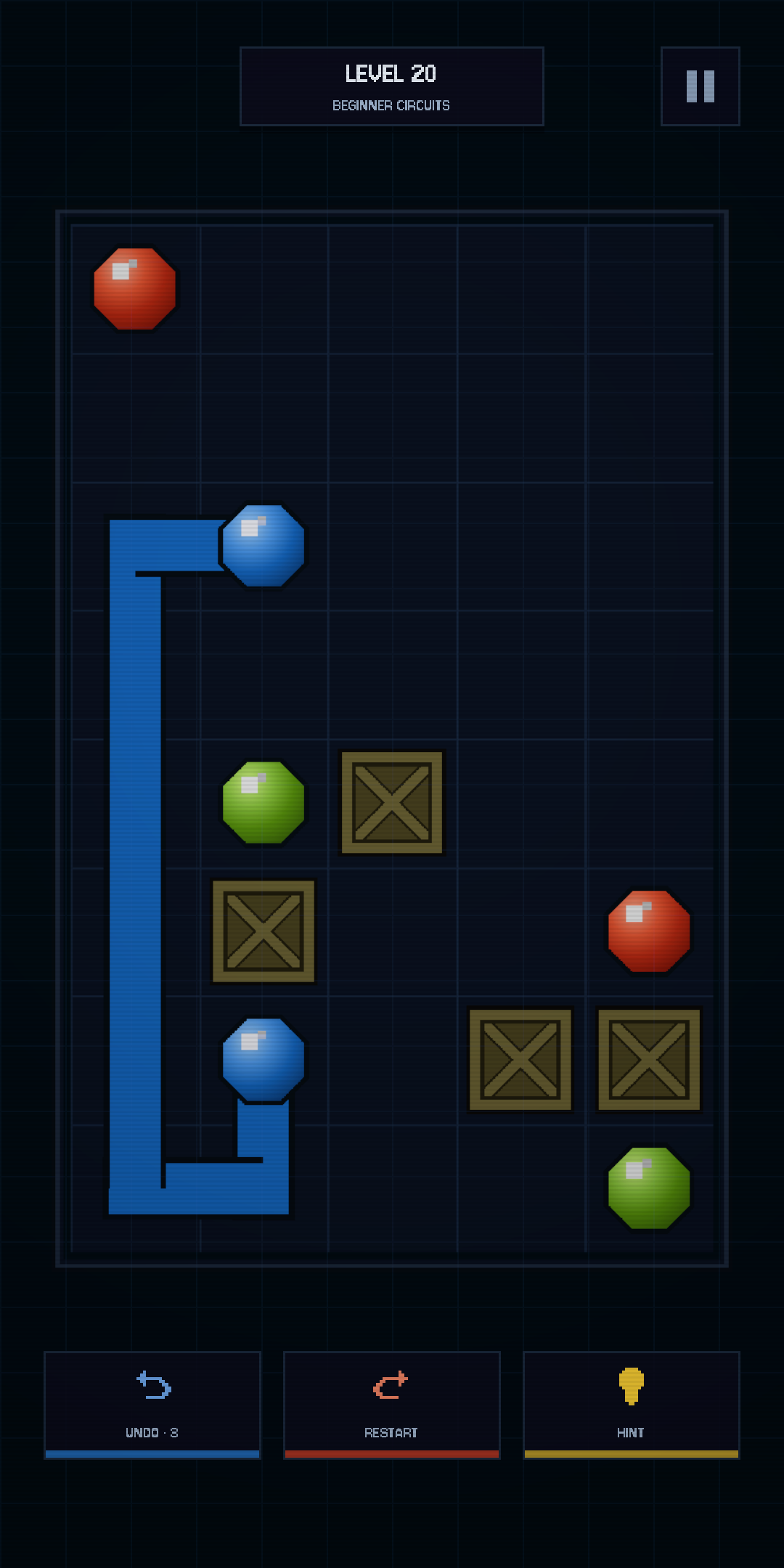
Let go before you reach the matching dot and the line disappears. The board only ever shows connections you completed, so a glance tells you exactly where you stand.
Why no diagonals, and no curves
Lines move in four directions only. Diagonal lines can cross in mid-air without sharing a single square, and then nobody can tell whether two lines really crossed. So the game stays four-way, and no puzzle puts a pair's two dots diagonally next to each other, where a diagonal drag would tempt you.
Smooth curved lines were tried and dropped: on a visible grid they read worse than the right-angle pipes you see now.
One rule, and every other rule exists to make that one feel fair.